
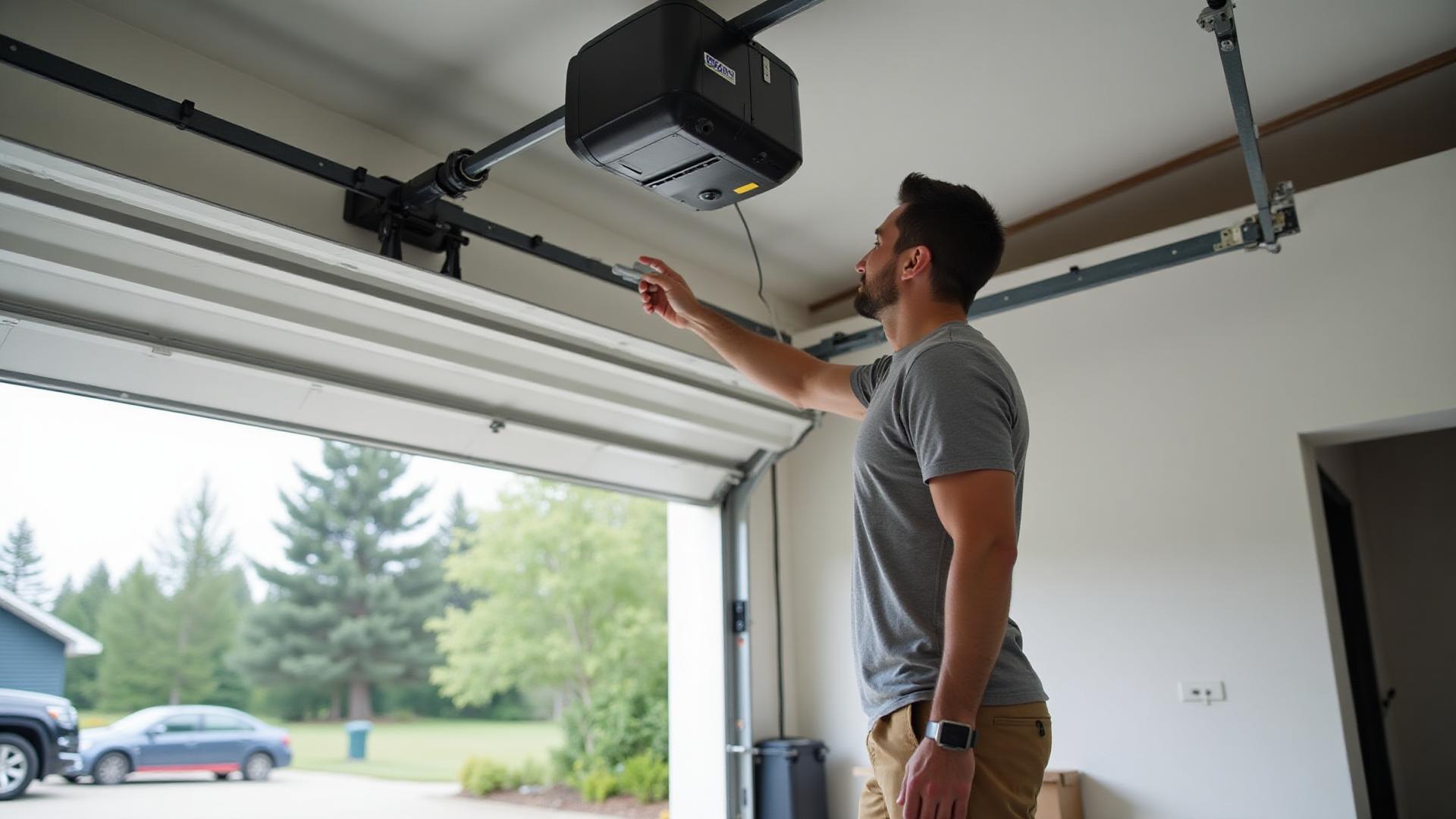
Part of our Garage Door Opener Repair services.
Exterior garage access without carrying a remote
A wireless garage door keypad gives authorized household members a way to open the garage without a handheld remote or phone. Reliable installation depends on more than attaching a box beside the door: the keypad must communicate with the opener's receiver, the mounting location must suit daily use and weather exposure, and the PIN must be programmed and tested without disrupting the controls that should remain active. KC Garage Doors checks the existing opener first, installs a compatible device, and verifies access and safe door operation together.
- You need exterior access without a remote or phone
- An old keypad has worn or unresponsive buttons
- The keypad works only intermittently after battery changes
- A move or access change calls for a fresh PIN
- The existing keypad is weather damaged or poorly placed
- A compatible opener has never had an exterior keypad
Choosing the right type of wireless keypad
Wireless keypads differ in the radio and security technology they use, the openers they can pair with, and the access features they support. Some are designed for a specific family of opener receivers. Others are universal devices that support selected systems through a setup sequence. Illuminated keys, a covered face, temporary PIN capability, and multi-door support may be available depending on the equipment, but none of those features matters if the communication protocol is wrong. Keypads are one of the accessories covered by our garage door opener repair service.
We start with the opener rather than the keypad package. The model information, learn-button or receiver characteristics, existing controls, and number of doors help determine what can pair reliably. An older opener may support a compatible basic keypad while lacking newer access features. If the opener itself is failing, a keypad will not correct its logic board, radio receiver, power, or mechanical problems. We separate the access-device decision from any opener repair recommendation.
Compatibility with LiftMaster, Chamberlain, and Genie
LiftMaster, Chamberlain, and Genie are common opener brands, and many of their systems support wireless exterior keypads. Compatibility is not determined by the logo alone. Product generations can use different frequencies, rolling-code systems, learn-button colors, or receiver designs. A keypad advertised for one range may not pair with every opener that carries the same brand. If an existing keypad or remote only needs reprogramming, see remote and keypad programming.
We identify the model and control technology before selecting or programming the keypad. That avoids repeated pairing attempts with a device that cannot communicate correctly. For a universal keypad, we confirm that the specific opener is included in its compatibility instructions and follow the corresponding sequence. We service compatible controls without representing KC Garage Doors as an authorized dealer for any brand. The goal is a documented match and repeatable operation, not a broad brand promise.
Need help with your garage door?
Call (619) 768-0325A safe and practical mounting location
The keypad should be easy for an authorized user to reach and see, but it should never require someone to stand under the door or lean across its travel path. We consider which side of the opening offers safe footing, whether the location can be seen from the driveway or street, and whether the wall, stucco, trim, or other surface can accept secure fasteners without damaging nearby wiring or weather protection. Keypads pair well with a Wi-Fi smart garage door opener.
Placement also affects durability. Direct afternoon sun can heat and fade a keypad, while roof runoff or sprinkler spray can expose it to avoidable moisture. A sheltered location is useful when it remains accessible and follows the manufacturer's instructions. The battery compartment must be serviceable after mounting. We position the unit at a practical height for the household without inventing a one-size-fits-all measurement that ignores the device guidance, users, and opening layout.
- Outside the moving door's path
- Securely attached to the correct surface
- Reasonably protected from sun and water
- Battery compartment kept accessible
PIN setup and access security
Programming begins after the keypad is mounted or temporarily positioned within reliable range. We place the opener into the correct learning mode, follow the device-specific sequence, enter the selected PIN, and confirm that the command reaches the intended door. Existing remotes and wall controls are tested afterward because some reset procedures can clear stored devices. We explain what was retained or reprogrammed before the visit is complete.
A PIN should not be an address, a simple repeated pattern, or a code reused for financial accounts, phones, or alarm systems. Household members should avoid sharing it casually or writing it beside the keypad. When a contractor, tenant, visitor, or former resident no longer needs access, remove temporary access where supported or change the main PIN. If a remote was lost as well, clearing and re-enrolling authorized controls may be the more complete security step.
Battery, heat, moisture, and weather issues
Wireless keypads rely on batteries, so dim lighting, delayed response, reduced range, or intermittent operation often begins with power. Battery type and replacement steps vary. Some devices retain their PIN during a battery change, while others may need part of the setup repeated. We show how the compartment opens and avoid forcing covers or terminals that have become brittle from age or sun exposure.
Weather can reveal other weaknesses. Moisture may affect contacts or worn key membranes. Inland heat can age plastic, adhesive seals, and batteries. Dust can collect around buttons, while direct sun can make a display difficult to read. If a fresh battery does not restore reliable operation, we check the keypad housing, buttons, mounting location, radio response, and opener receiver. A weather symptom should not be blamed on the battery without testing the complete control path.
Our installation and programming process
We first confirm that the opener powers on and responds to its existing wall control. The model and receiver are identified, and a compatible keypad is selected. We discuss mounting options, prepare the surface, attach the unit securely, and keep service access available. Pairing is performed with the manufacturer's sequence, followed by repeated PIN entries from the normal standing position outside the garage.
Testing includes more than opening the door once. We confirm that the keypad controls the correct door, the chosen PIN works consistently, and existing authorized remotes and wall controls still respond. The door is observed through complete travel. Photo eyes and reversal behavior remain essential because a new access control does not correct a binding, unbalanced, or unsafe door. Any separate mechanical or safety concern is explained before additional work is considered.
- Identify opener and receiver compatibility
- Choose and prepare the mounting position
- Pair the keypad and establish the PIN
- Test all retained controls and door safety
New keypad installation versus programming an existing device
This page focuses on installing a new wireless keypad or replacing a keypad that is no longer serviceable. It includes compatibility selection, physical mounting, initial pairing, and access setup. If you already have a working remote or keypad that only needs to be paired again, its code changed, or an intermittent control problem diagnosed, our remote and keypad programming service is the more focused choice.
Keeping those services distinct helps you request the right visit. Existing-control troubleshooting may identify a weak battery, erased memory, interference, a receiver issue, or an incompatible replacement remote. A new installation adds location and mounting decisions along with initial setup. If you also want phone control, status alerts, or managed app access, review our smart garage door opener upgrade service rather than expecting a basic keypad to provide connected features.
Wireless keypad installation from Santee
KC Garage Doors installs compatible wireless keypads for homeowners in Santee, Lakeside, El Cajon, Alpine, La Mesa, and communities throughout San Diego County. Exterior controls in East County face strong sun, heat, dust, and occasional wind-driven moisture, so device choice and placement should reflect the actual side of the home and exposure around the opening.
We do not assume compatibility, promise features an older opener cannot support, or treat access setup as separate from safe movement. You receive a free quote after we understand the opener and the installation requirements. Once complete, you should know how to use the keypad, change access appropriately, replace its battery, and recognize when a future symptom points to the keypad versus the opener or the door itself.
What local customers say
“Kameron was fantastic. Showed up on time, diagnosed the broken spring quickly, and had us back up and running the same afternoon. Honest pricing and great communication.”
“KC Garage Doors did an excellent job replacing our opener. Professional, clean install, and walked me through the new smart features. Highly recommend.”
“Called in the morning with a broken cable and they were out by early afternoon. Fair price, no upsell, great work.”
Related garage door services
Pair and troubleshoot existing remotes and keypads or remove lost controls.
View service detailsAdd compatible app control, door-status alerts, and managed access.
View service detailsDiagnose receiver, control, motor, travel, and safety issues.
View service detailsWireless Keypad Installation FAQs
Get a careful diagnosis and a free quote
Tell us what the door is doing, and we will help you plan the safest next step.
Cities we cover for Wireless Keypad Installation
Same-day wireless keypad installation across San Diego County — click any city for local pricing, neighborhood coverage, and specifics on the door types we see there.
- Wireless Keypad Installation in La Jolla
- Wireless Keypad Installation in Del Mar
- Wireless Keypad Installation in Hillcrest
- Wireless Keypad Installation in Kearny Mesa
- Wireless Keypad Installation in Rancho Bernardo
- Wireless Keypad Installation in San Marcos
- Wireless Keypad Installation in Vista
- Wireless Keypad Installation in Alpine
- Wireless Keypad Installation in Ramona
- Wireless Keypad Installation in Lemon Grove
- Wireless Keypad Installation in El Cajon
- Wireless Keypad Installation in Chula Vista
- Wireless Keypad Installation in Poway
- Wireless Keypad Installation in Santee
- Wireless Keypad Installation in La Mesa
- Wireless Keypad Installation in Escondido
- Wireless Keypad Installation in Coronado
- See all service areas →